


Slotrize Application
Our Slotrize App brings the full casino experience directly to your smartphone or tablet. Players can access online slots, table games, and live dealer titles on Android and iOS devices. The mobile casino platform mirrors all features available on the desktop version.



Slotrize App Features
The Slot Rize mobile application delivers a complete gaming experience without limitations. Our development team has optimized every element for touchscreen interaction and smaller displays. The interface adapts automatically to different screen sizes.
Players receive instant push notifications about new promotions and game releases. Account management functions work identically to the desktop version. Deposits and withdrawals process through the same secure channels. The verification process follows standard procedures and can be completed directly from your device.
The Slotrize casino platform runs smoothly on modern devices. Loading times remain minimal even on slower connections. Game quality stays consistent across all supported operating systems. Our Support Team is available around the clock through live chat and email.
Slotrize App for Android OS
Android users can download our progressive web application directly from the official Slot Rize website. The installation does not require access to the Google Play Store. Our mobile casino functions as a standalone application once added to your home screen.
The app supports devices running Android 8.0 or later versions. Most modern smartphones and tablets meet these requirements. We recommend at least 2 GB of RAM for optimal performance during gameplay.
| Requirement | Minimum | Recommended |
| Android Version | 8.0 | 10.0 or later |
| RAM | 2 GB | 4 GB |
| Storage | 100 MB | 200 MB |
| Internet | 3G | 4G/Wi-Fi |
Installation steps:
- Open the Slotrize website in your mobile browser.
- Navigate to the Casino App section at the bottom of the page.
- Tap the Install button when prompted.
- Confirm the installation to complete the process.
After installation, the Slot Rize icon appears on your home screen. Tap it to launch the application and access your account immediately.
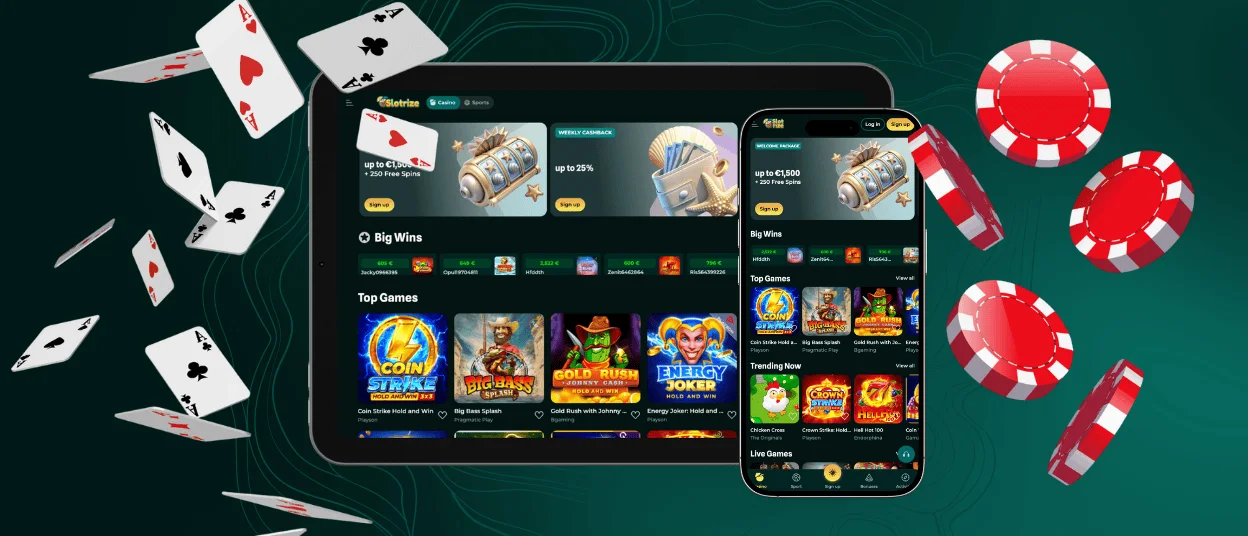
Slotrize App – iOS
iPhone and iPad users access our mobile casino through a Progressive Web App. This technology allows the Slotrize app to function like a native application while running through Safari. The PWA approach ensures compatibility with strict App Store guidelines.
To install on iOS devices, visit our official website using the Safari browser. Scroll to the Casino App section and follow the on-screen instructions. The installation adds a Slot Rize icon to your home screen. Once installed, the application opens in full-screen mode without browser navigation elements.
iOS 14.0 or later is required for full functionality. The Slotrize casino PWA receives automatic updates. New features and games become available without manual downloads.
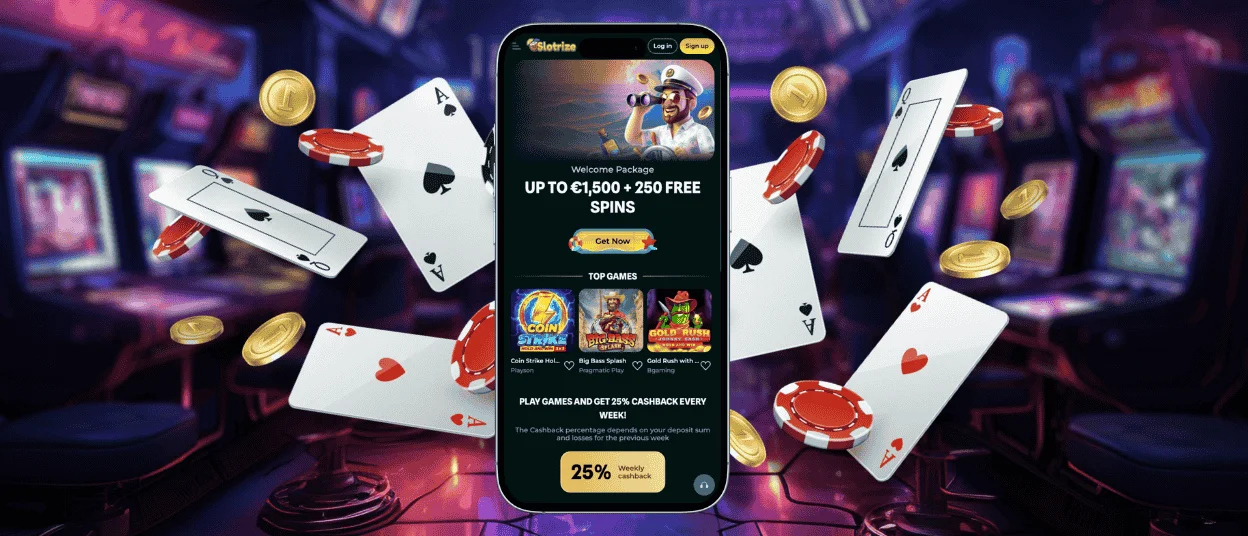
Slot Rize Casino – Desktop Version
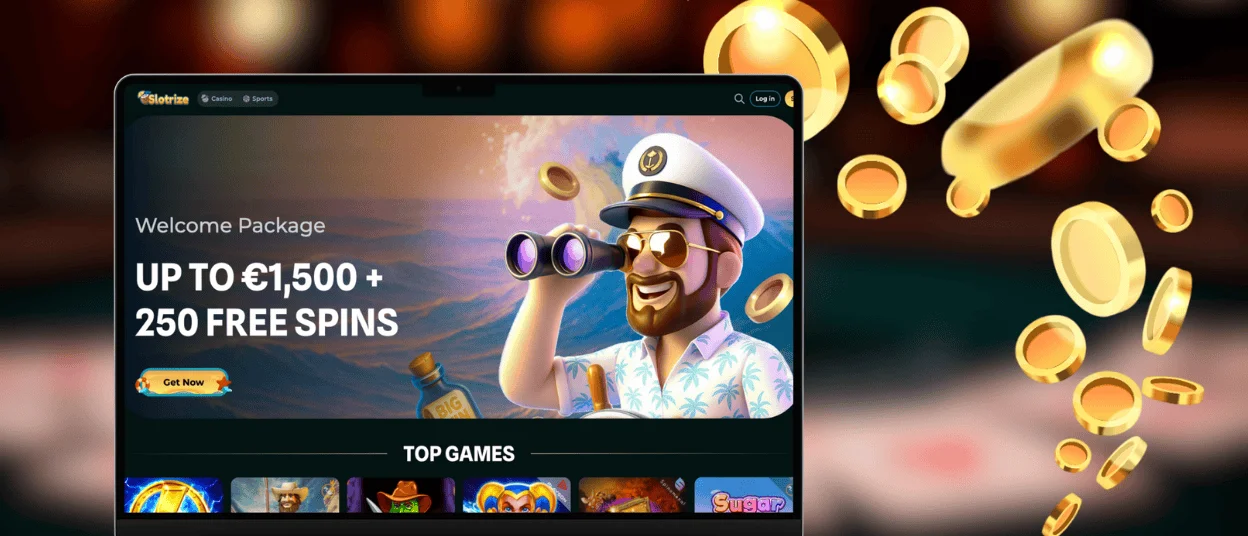
Our desktop platform remains fully accessible through standard web browsers. Players on Windows and macOS can enjoy the complete Slotrize experience without downloading additional software. Simply navigate to our official website and log in to your account.
The desktop version offers identical functionality to our mobile casino. All online slots, table games, and live dealer titles load directly in your browser. Account settings, payment options, and Support Team access remain consistent across platforms.
Supported Browsers
The Slotrize app and website perform best on updated browser versions. We recommend Google Chrome for both Windows and macOS users. Safari provides excellent performance on Apple devices. Mozilla Firefox offers a reliable alternative across all operating systems. Microsoft Edge works well on Windows machines.
Outdated browsers may experience display issues or slower loading times. Our technical team continuously tests compatibility with new browser releases. The Slot Rize platform supports the two most recent versions of each major browser.
Players experiencing technical difficulties should first check their browser version. Clearing cache and cookies often resolves minor display problems. Our Support Team can assist with persistent issues through live chat or email.
FAQ
How do I update the app to the latest version?
The Slotrize PWA updates automatically on both Android and iOS devices. New features and improvements apply without user intervention. Players using the web version always access the current platform state. Our system pushes updates in real time to ensure everyone enjoys the latest gaming experience.
Can I use the app on my tablet?
Yes. The Slot Rize application supports tablets running Android 8.0 or iOS 14.0 and later. The interface scales appropriately for larger displays. All features function identically on tablets and smartphones. Many players prefer the bigger screen for live dealer games and online slots.
What should I do if the app crashes or doesn’t load properly?
First, ensure your device meets the minimum system requirements. Check your internet connection stability. Try closing and reopening the application. Clearing browser cache often resolves loading issues for PWA users. If problems persist, contact our Support Team through live chat on the main Slotrize casino website. The team can guide you through additional troubleshooting steps or identify any account-related issues.


